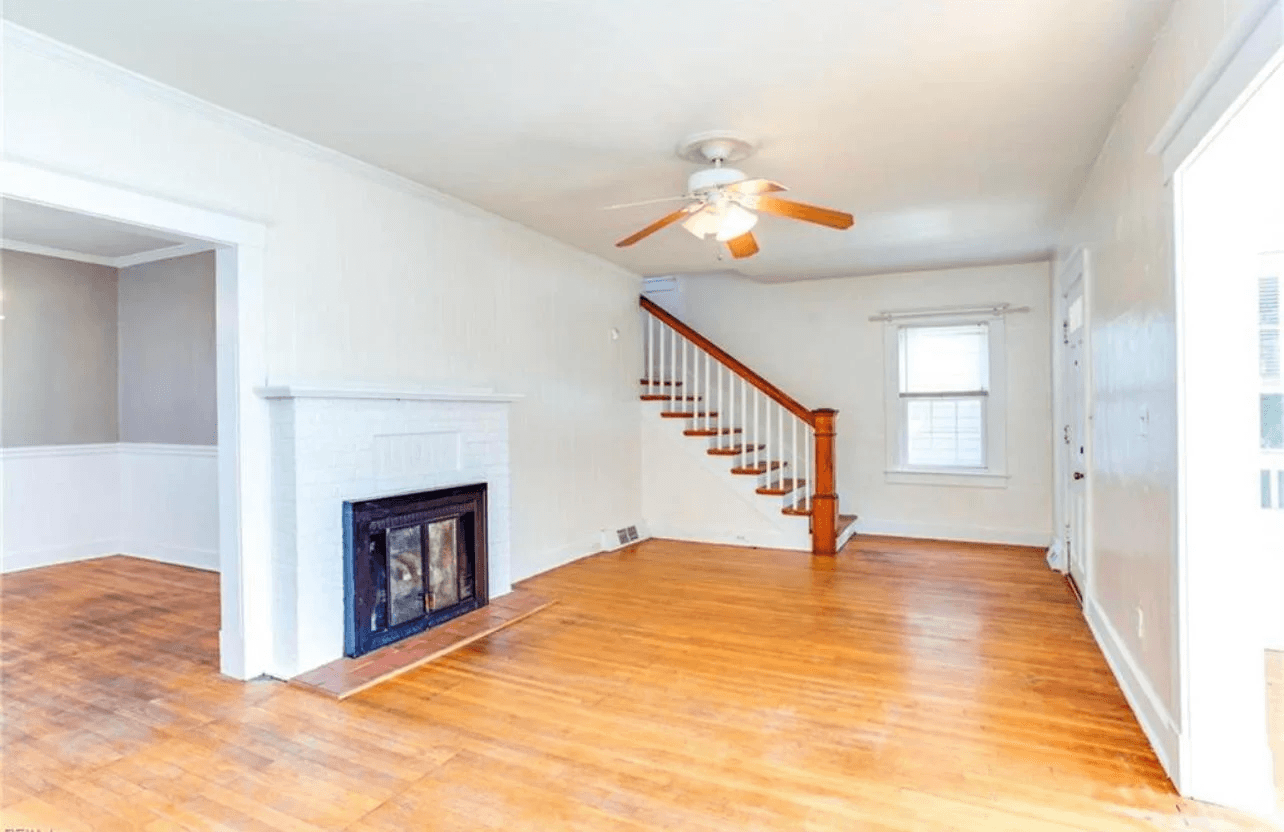
 Before
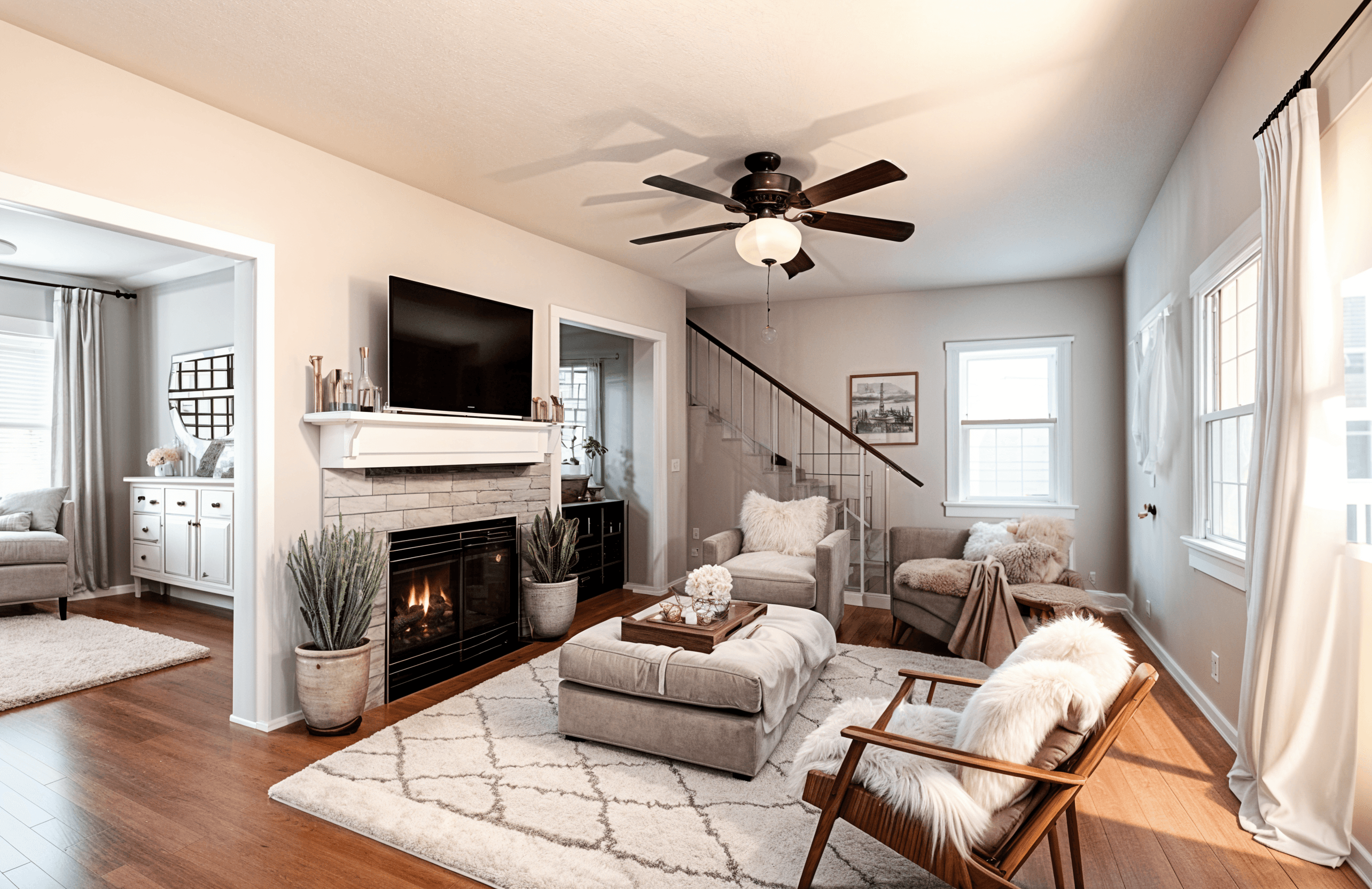 After
AfterVirtual Staging AI
Use AI virtual staging to help buyers, renters, and clients understand the potential of a space without moving physical furniture into the room.
Built for real estate agents, property marketers, and sellers, this virtual staging AI workflow gives you realistic before-and-after ideas from the room you already have.
BeforeAfterCreate listing-ready concepts without scheduling a physical staging crew.
Show multiple furnishing directions for the same property.
Help empty or dated spaces feel easier to understand online.
Keep listing experiments affordable with credit-based pricing.
Real Examples
BeforeAfter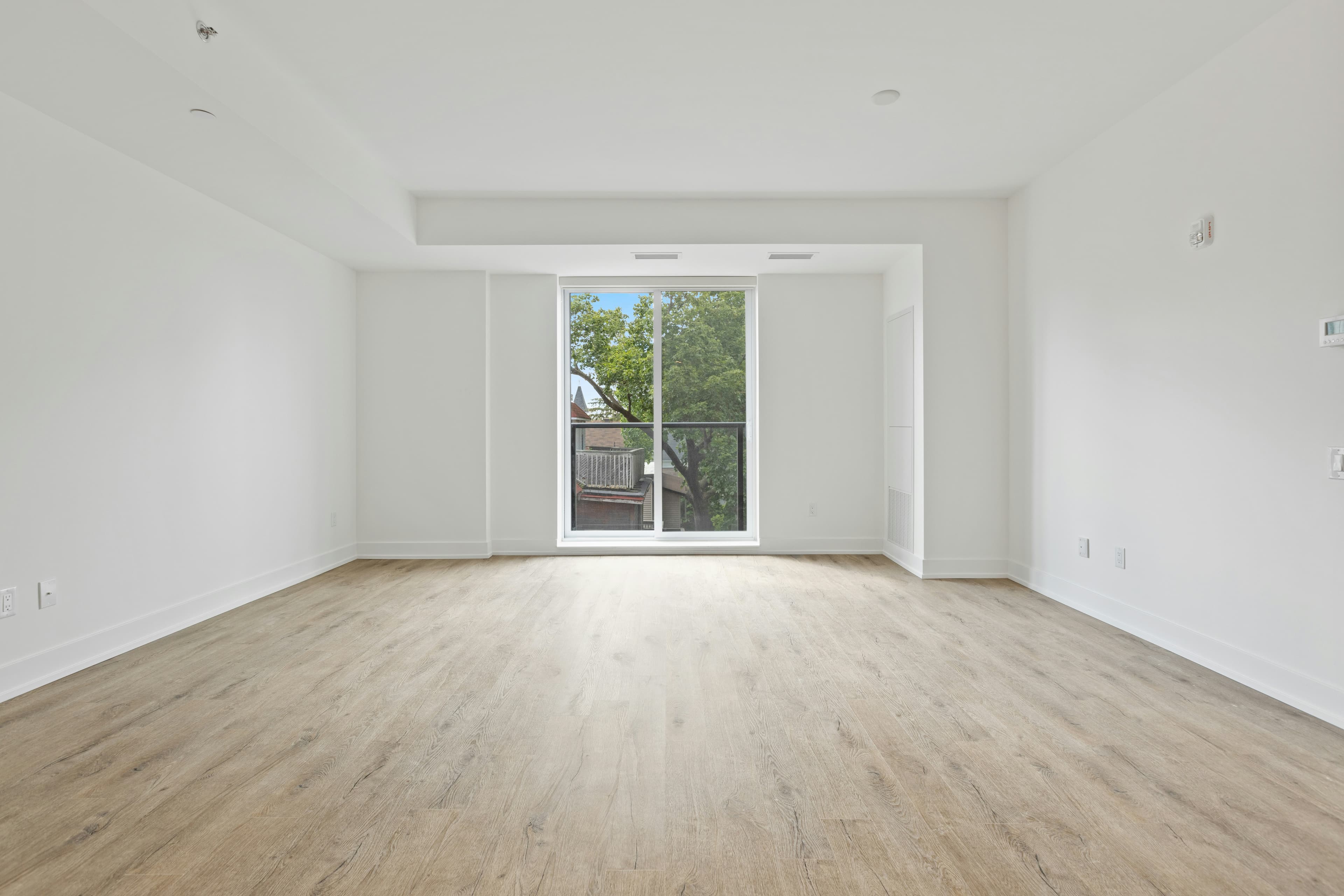 Before
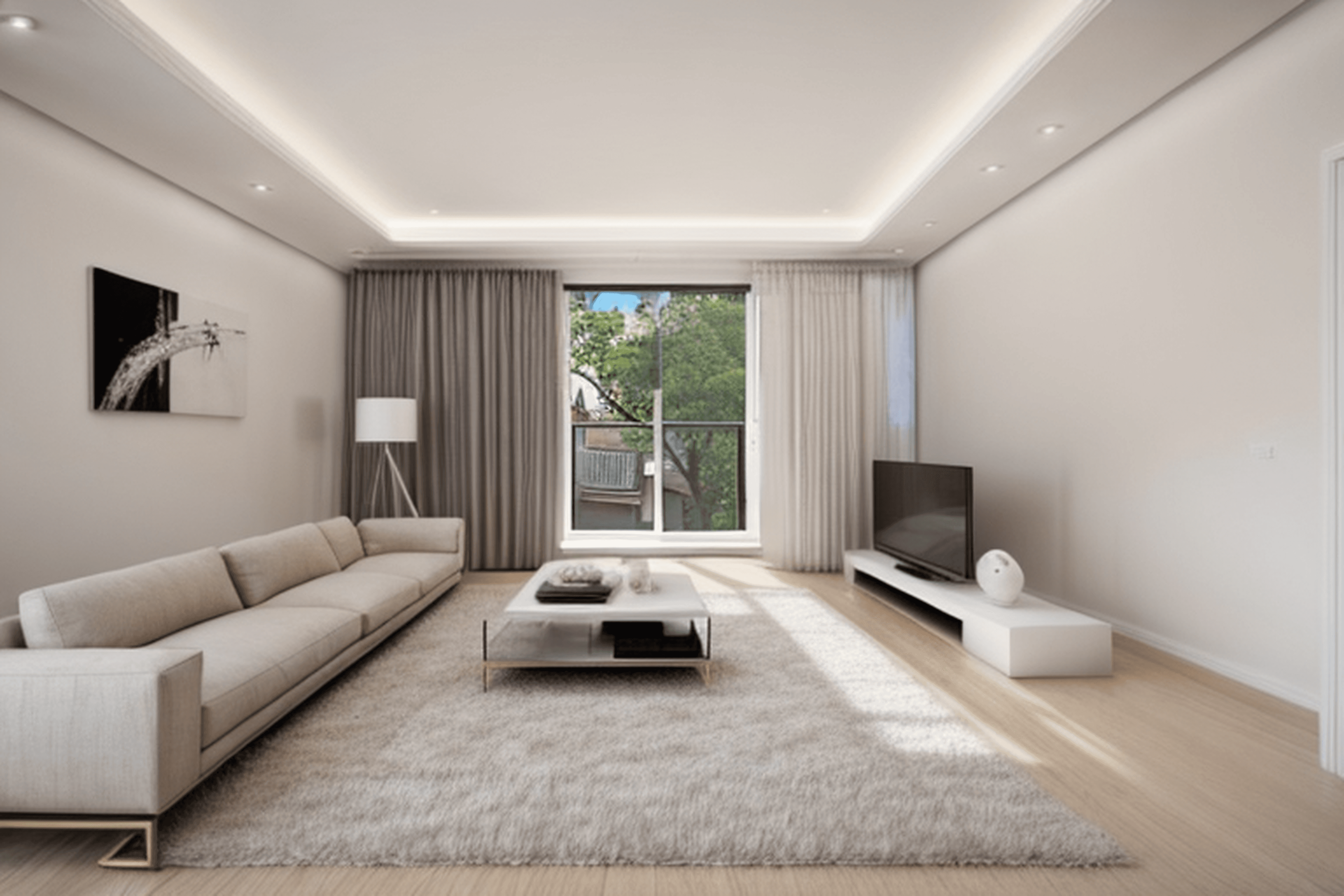 After
After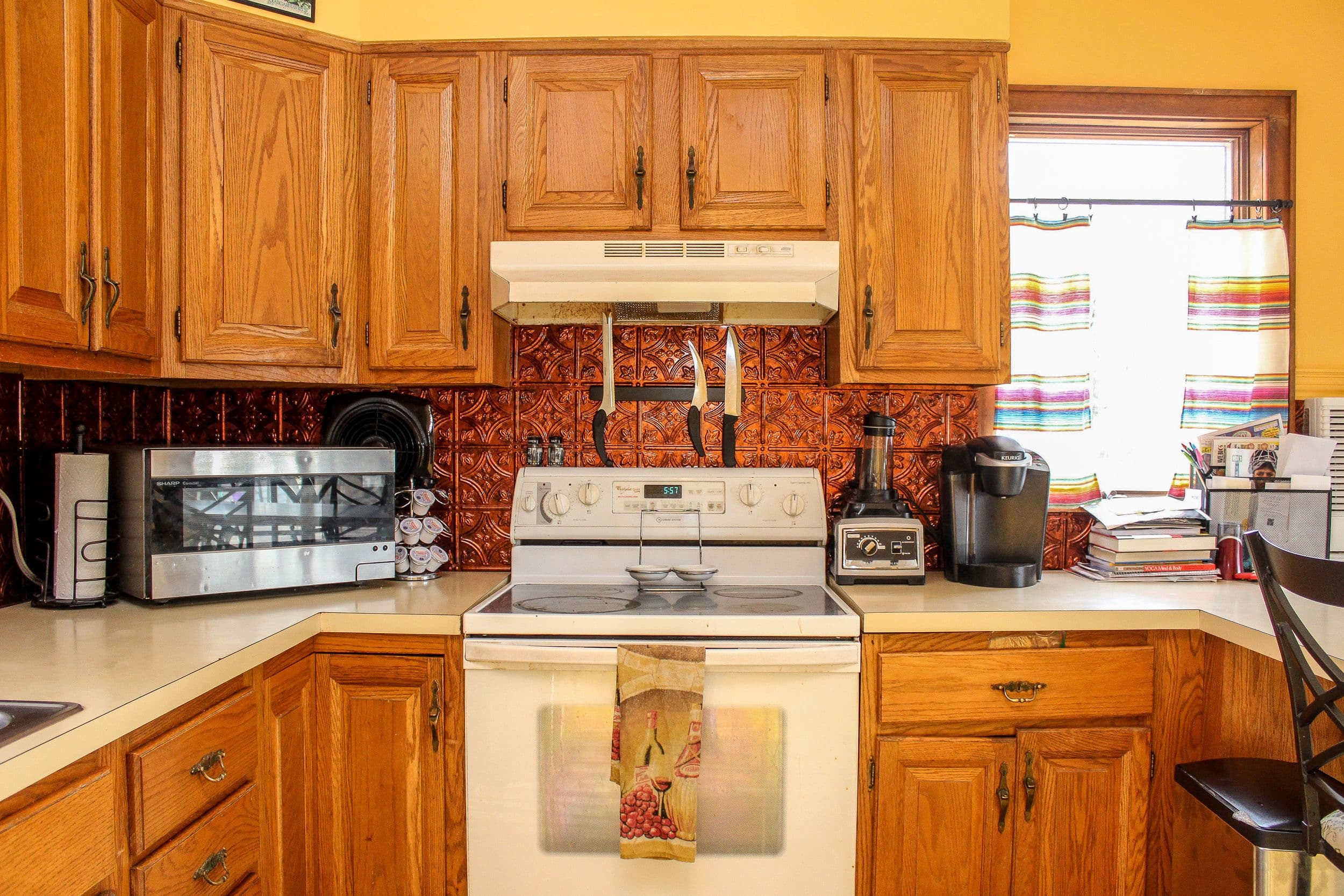 Before
 After
AfterWorkflow
Upload a clear photo of the room you want to redesign.
Choose a style or describe the design direction you want.
Generate a photorealistic room concept in seconds.
Save the result and create another variation when you want options.
FAQ
It can help with early listing visuals and design exploration. For final listing use, disclose digitally staged images where required by your market or brokerage rules.
No. Upload a room photo, choose a style or prompt, and Room Reimagined creates a visual concept you can use for planning.
Use a clear, well-lit photo that shows as much of the room as possible. Straight-on photos usually produce the most useful redesigns.
Yes. Each generation creates a new concept, so you can explore different styles, room types, and furniture directions.