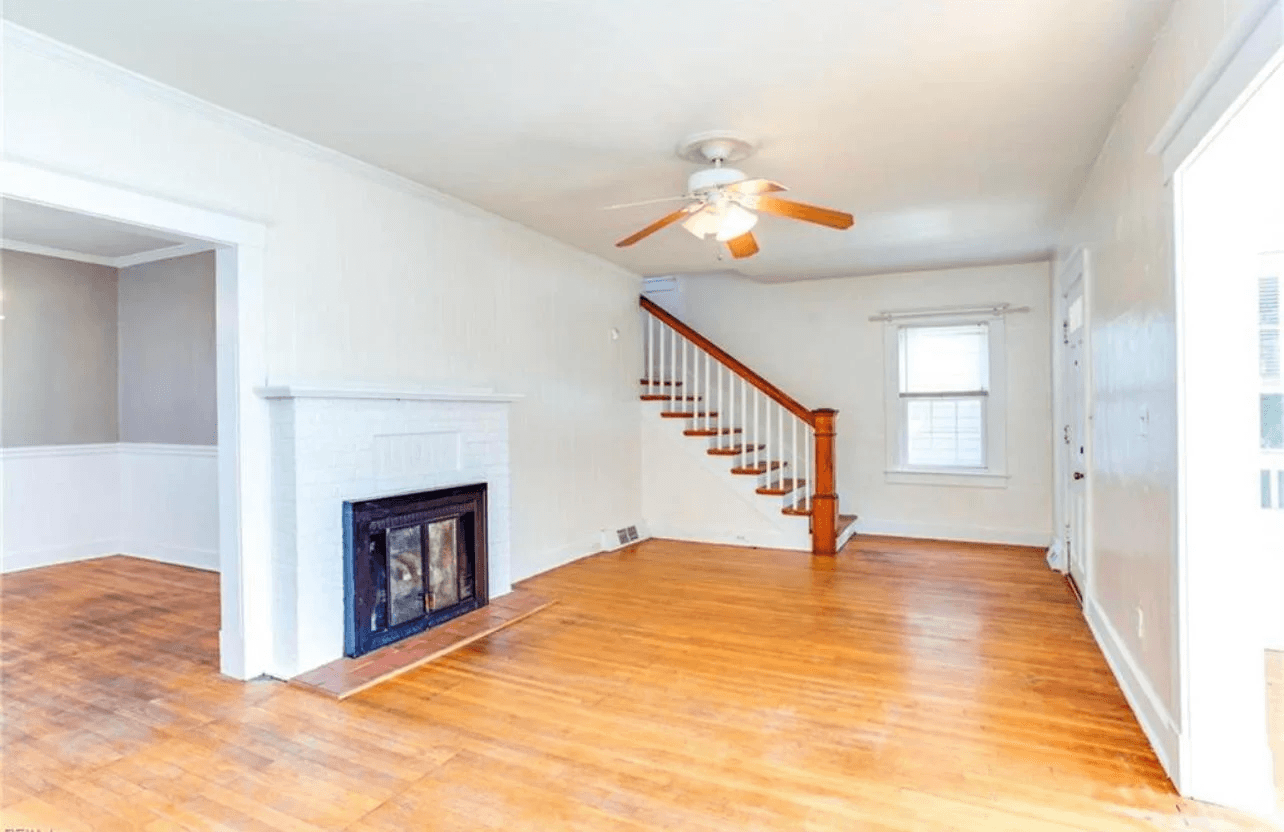
 Before
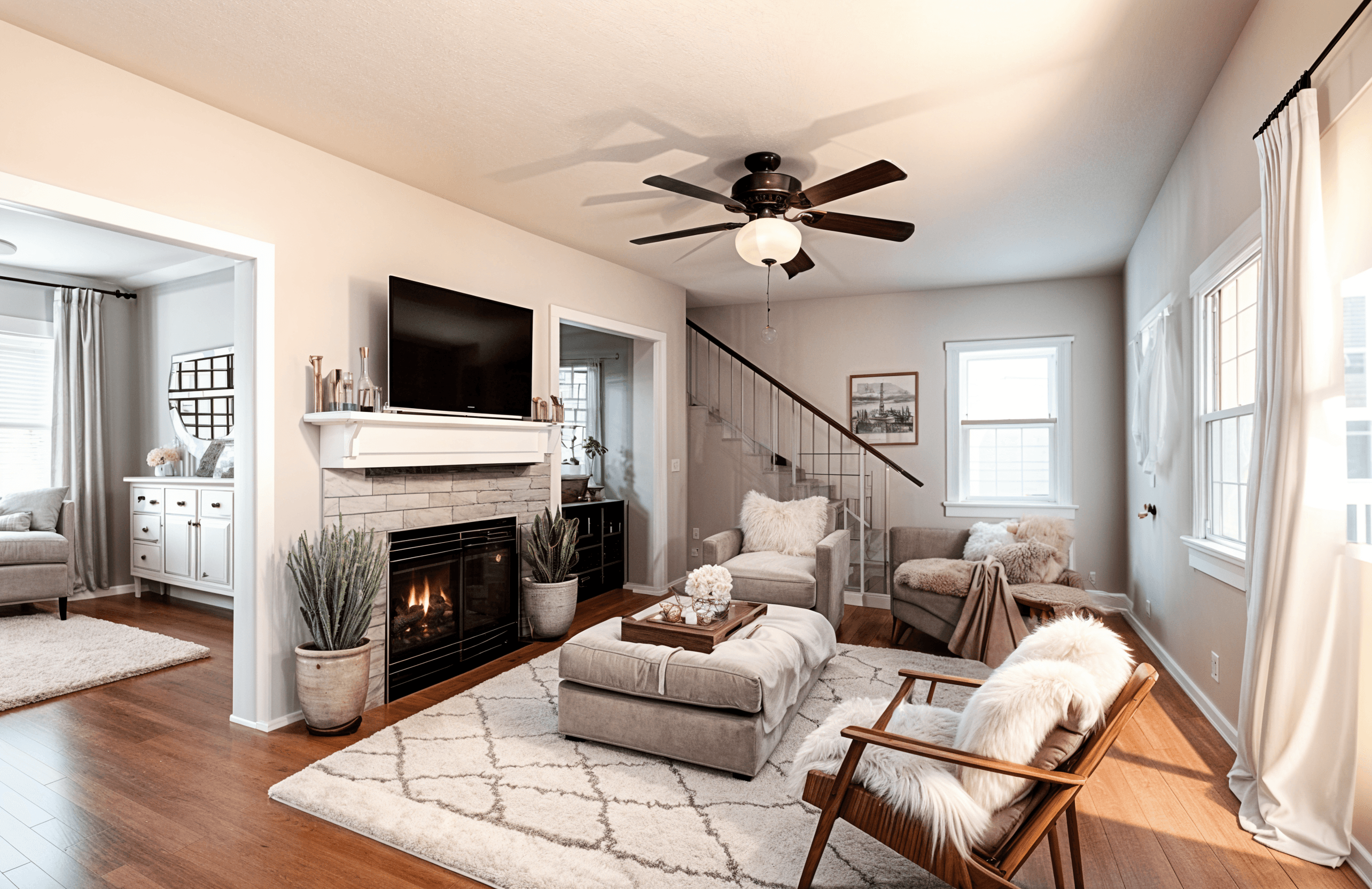 After
AfterUse Case
Room Reimagined gives real estate agents and sellers a fast way to create furnished room concepts for online listings, pitch decks, and property marketing experiments.
Built for agents, sellers, property managers, and listing teams, this real estate virtual staging AI workflow gives you realistic before-and-after ideas from the room you already have.
BeforeAfterMake empty or dated listing photos easier for buyers to imagine.
Create multiple staging styles for different buyer profiles.
Move quickly when a listing needs fresh visuals.
Keep early marketing experiments affordable before committing to physical staging.
Real Examples
BeforeAfter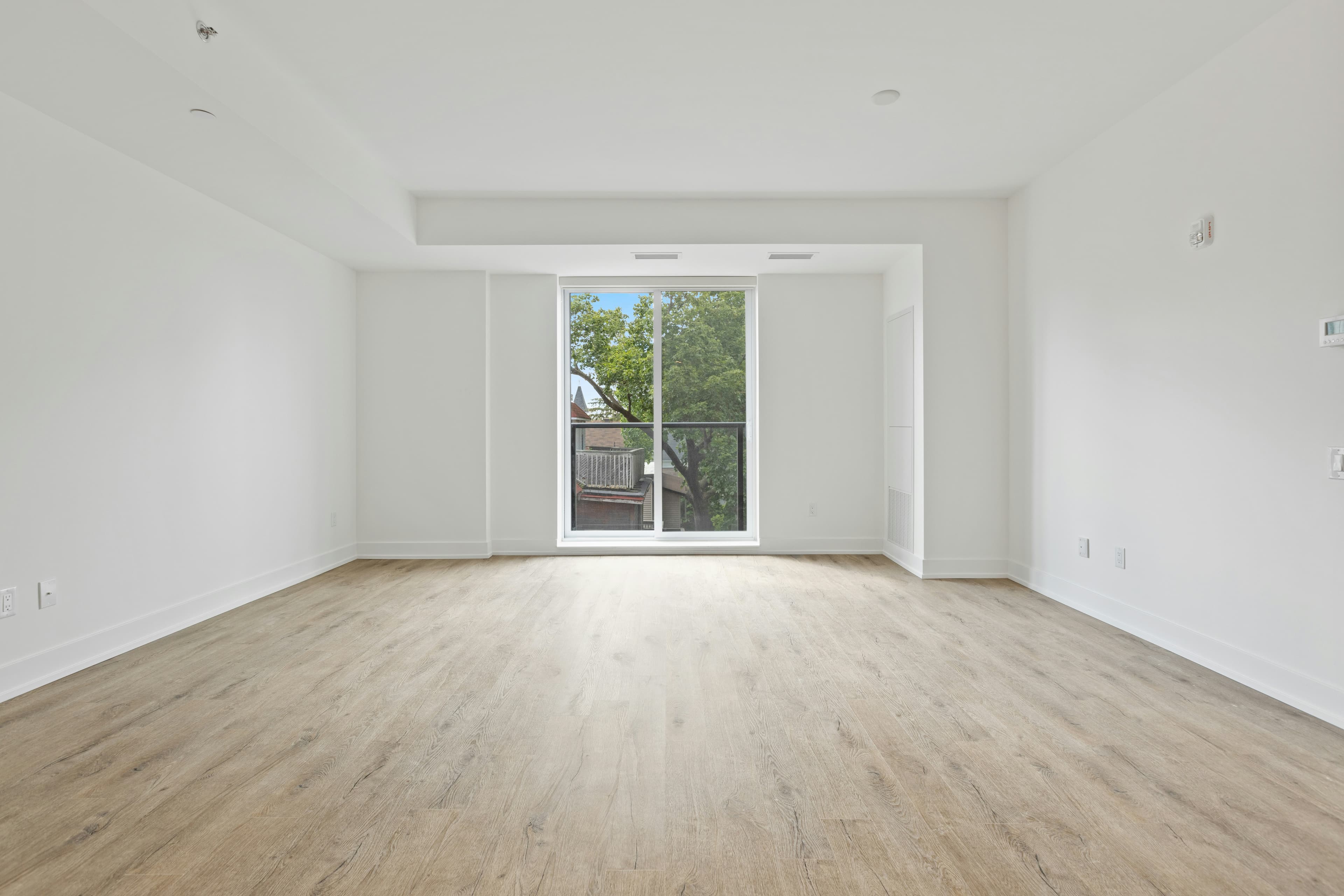 Before
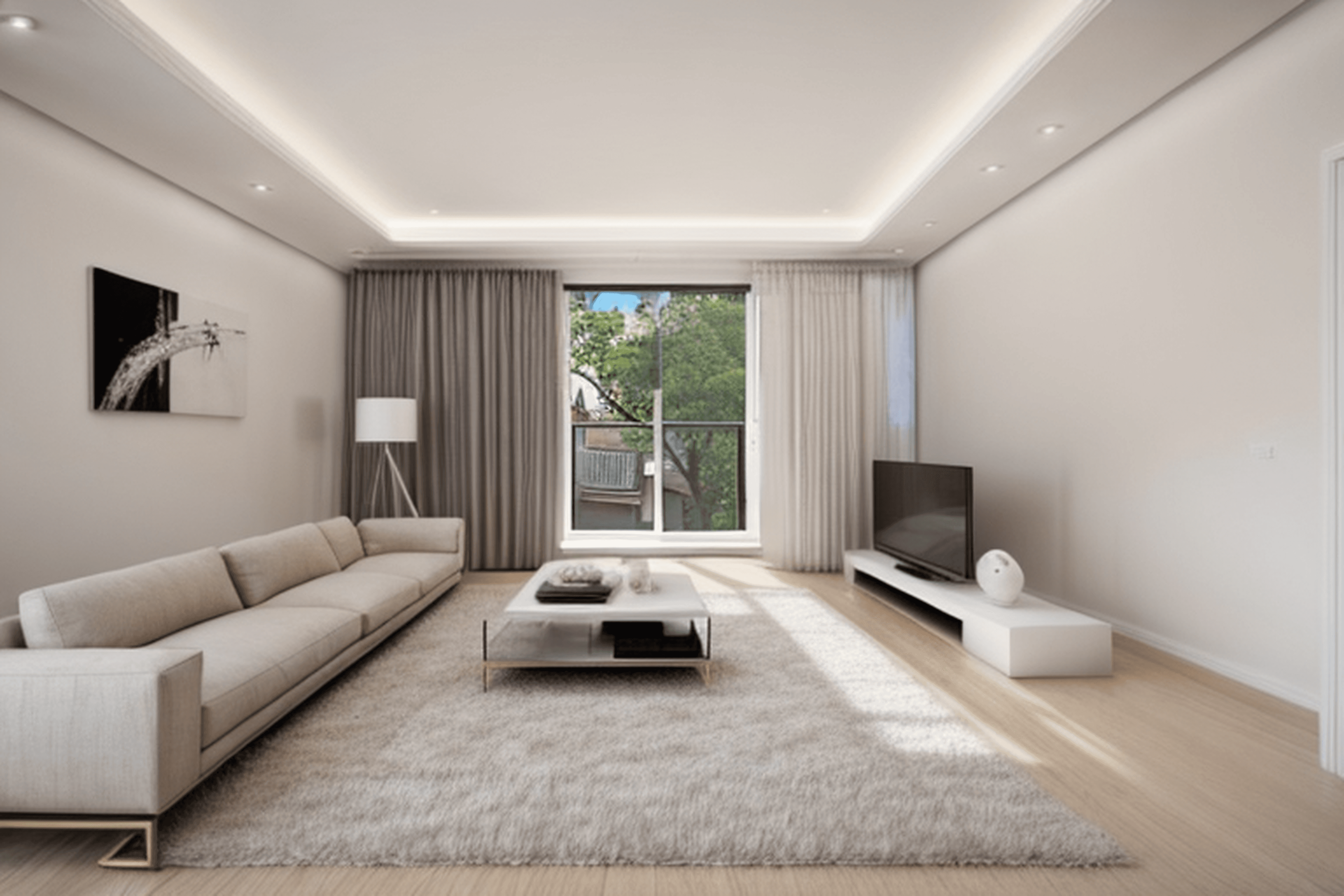 After
After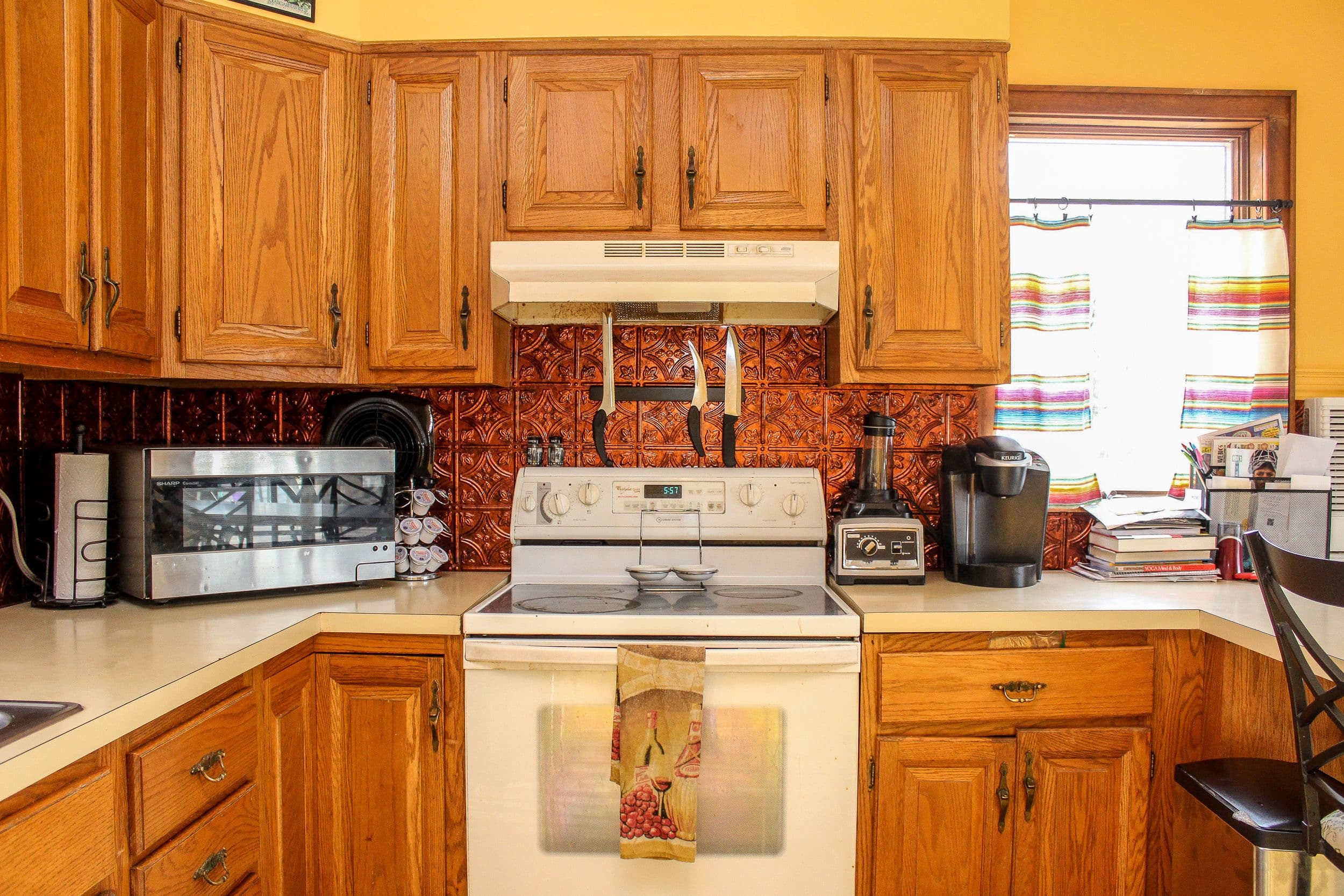 Before
 After
AfterWorkflow
Upload a clean listing photo with as much of the room visible as possible.
Choose the room type and staging direction for the target buyer.
Generate a furnished concept and review it for accuracy.
Use the concept in planning or marketing with appropriate staging disclosure.
FAQ
Yes, follow your local MLS, brokerage, and advertising rules. Many markets require clear disclosure when listing images are digitally staged.
No. Upload a room photo, choose a style or prompt, and Room Reimagined creates a visual concept you can use for planning.
Use a clear, well-lit photo that shows as much of the room as possible. Straight-on photos usually produce the most useful redesigns.
Yes. Each generation creates a new concept, so you can explore different styles, room types, and furniture directions.