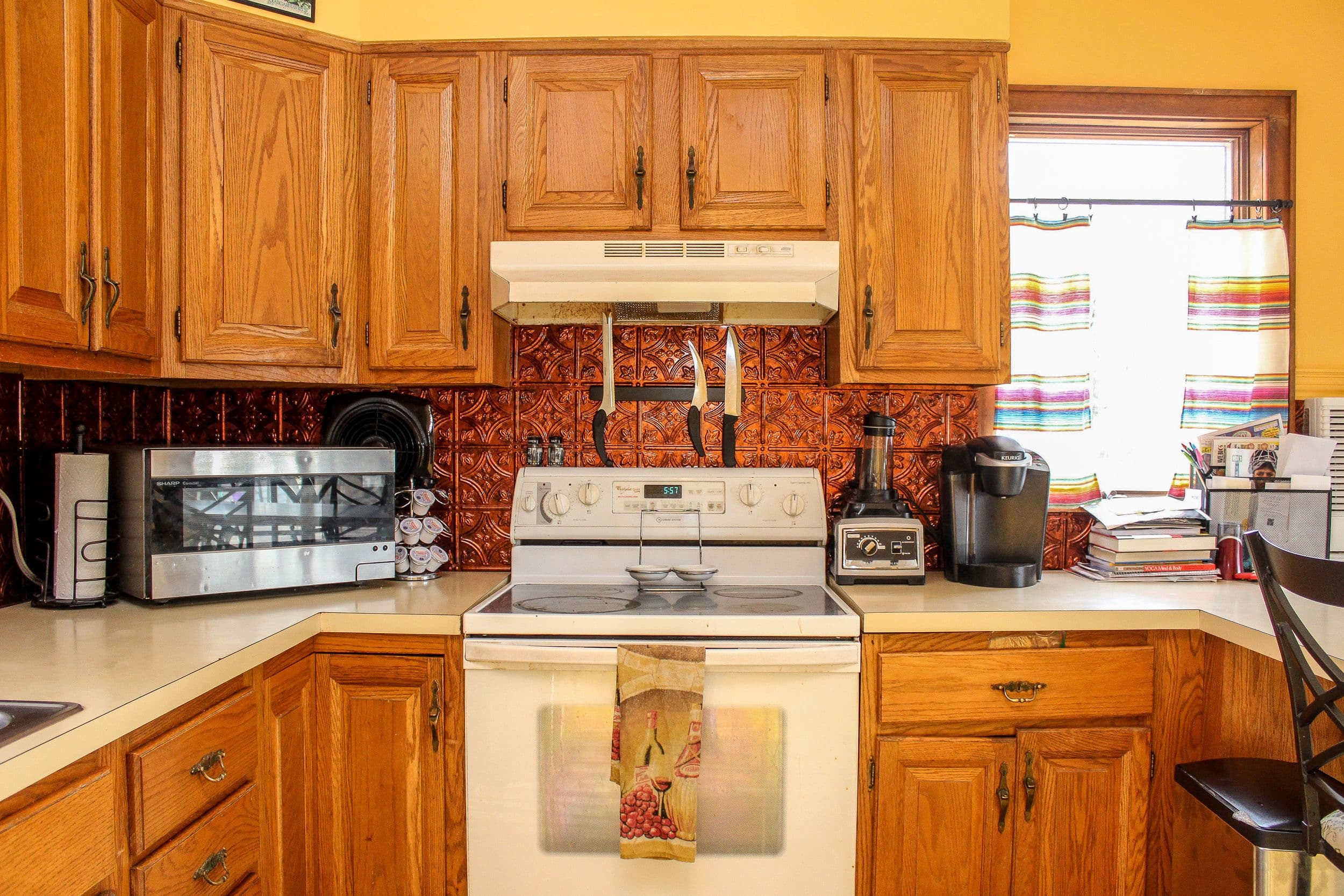
 Before
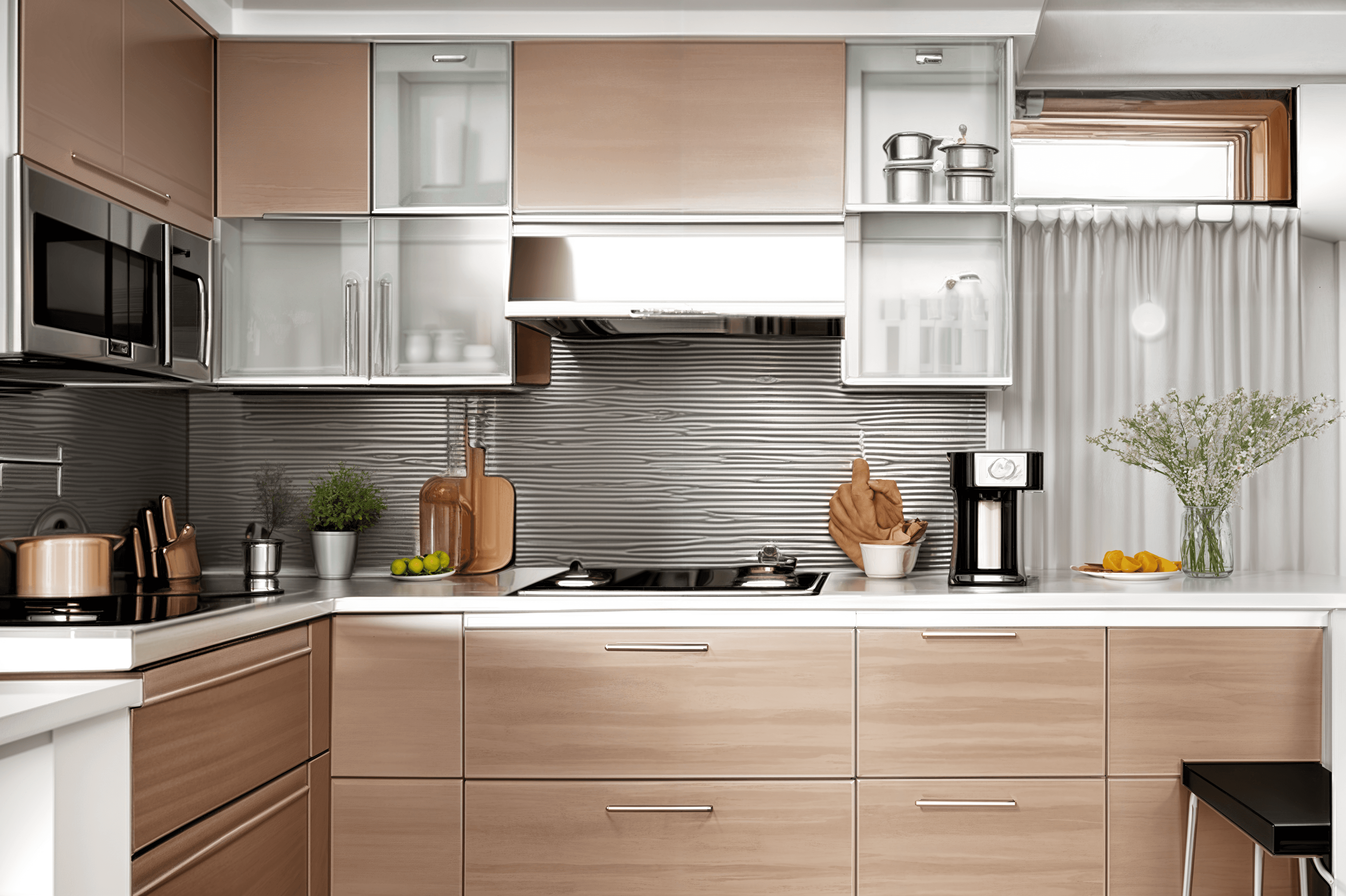 After
AfterRoom Guide
Kitchen updates are expensive, so visual planning matters. Room Reimagined helps you test new cabinet, color, lighting, and decor directions from one kitchen photo.
Built for homeowners planning a kitchen refresh, this kitchen redesign AI workflow gives you realistic before-and-after ideas from the room you already have.
BeforeAfterCompare kitchen finishes before committing to a renovation plan.
Preview paint, lighting, and decor directions from your actual kitchen photo.
Generate multiple concepts for family or contractor discussions.
Use quick visual ideas before buying materials or appliances.
Real Examples
BeforeAfter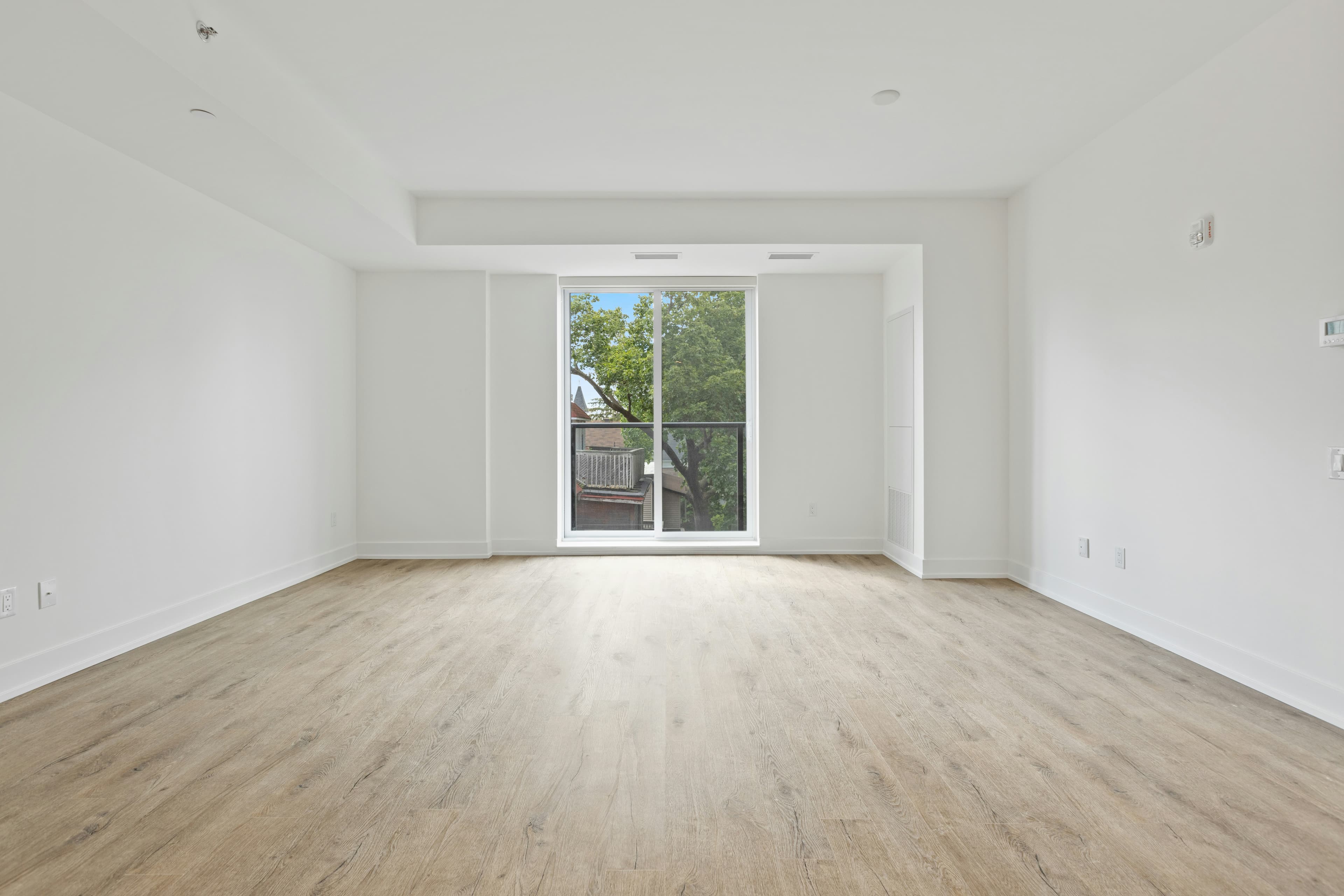 Before
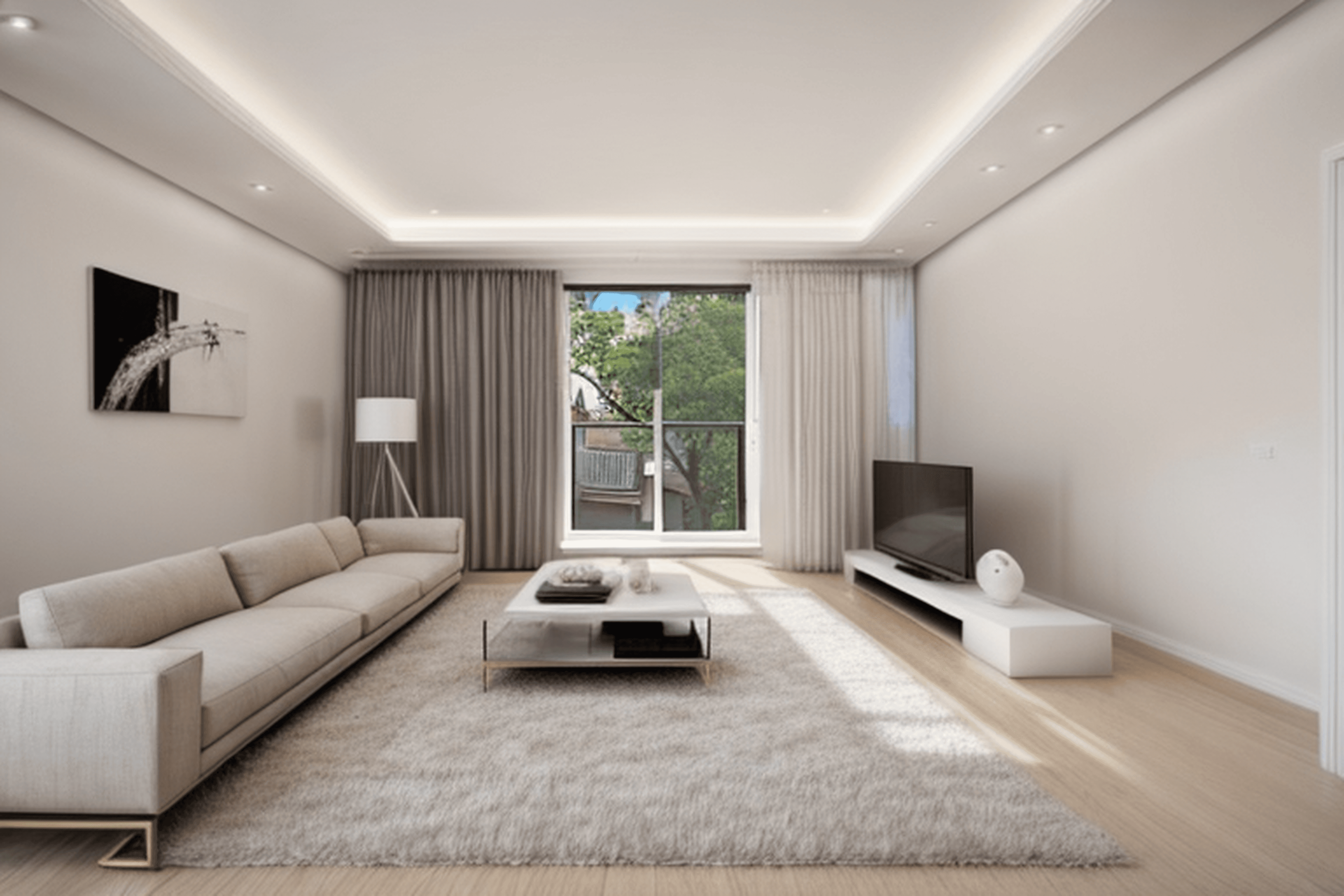 After
After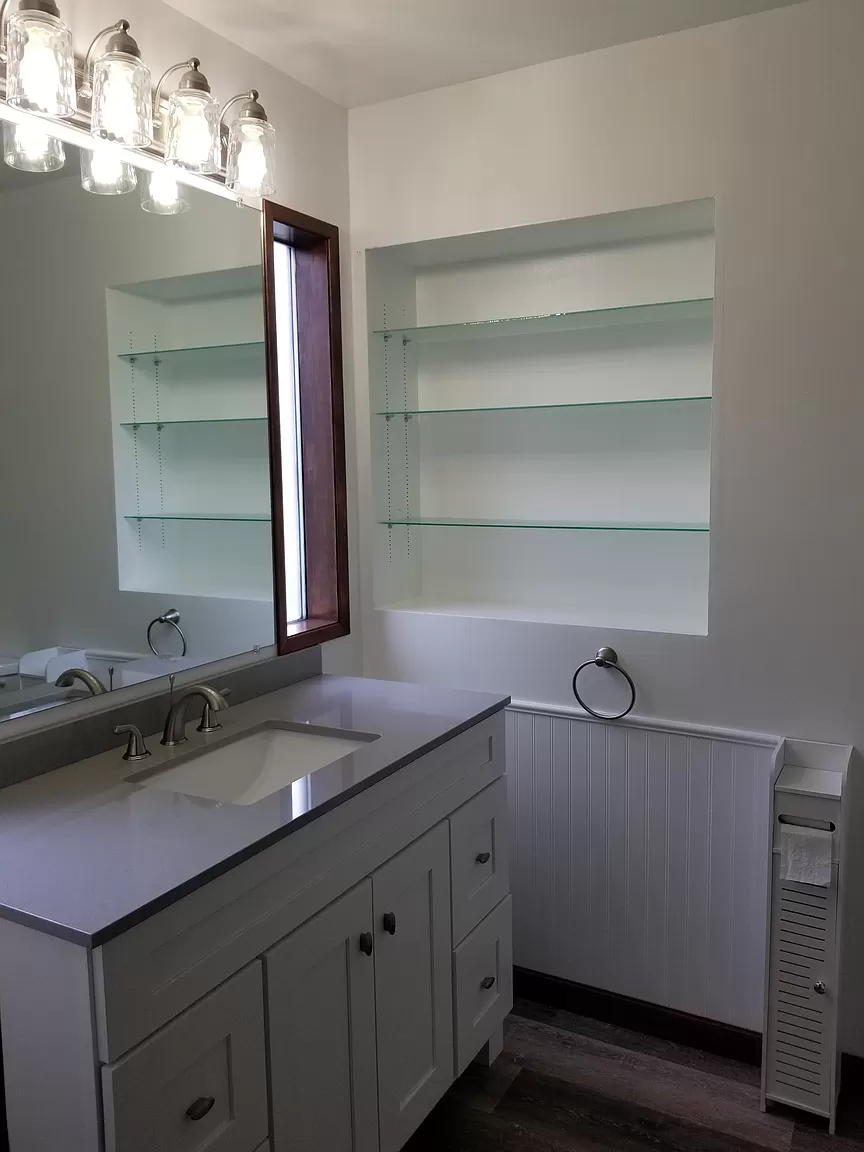 Before
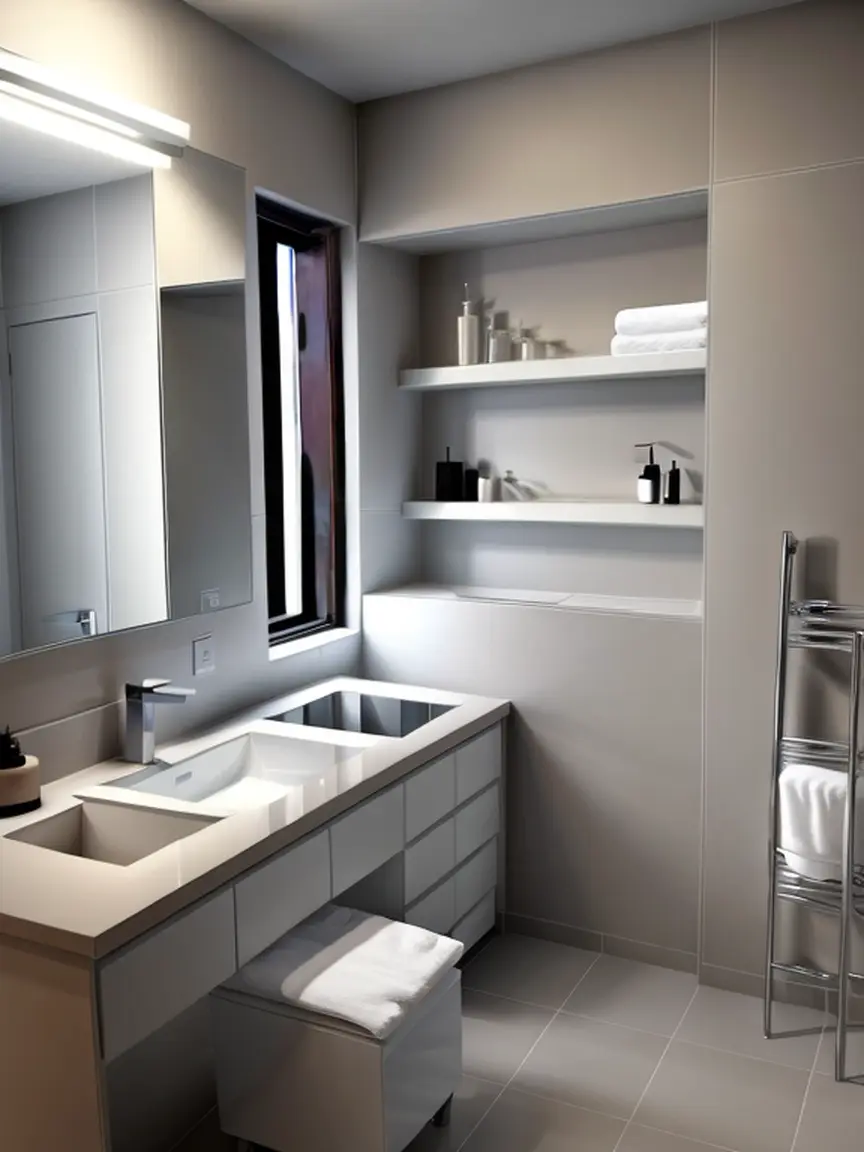 After
AfterWorkflow
Upload a clear photo of the room you want to redesign.
Choose a style or describe the design direction you want.
Generate a photorealistic room concept in seconds.
Save the result and create another variation when you want options.
FAQ
No. Upload a room photo, choose a style or prompt, and Room Reimagined creates a visual concept you can use for planning.
Use a clear, well-lit photo that shows as much of the room as possible. Straight-on photos usually produce the most useful redesigns.
Yes. Each generation creates a new concept, so you can explore different styles, room types, and furniture directions.