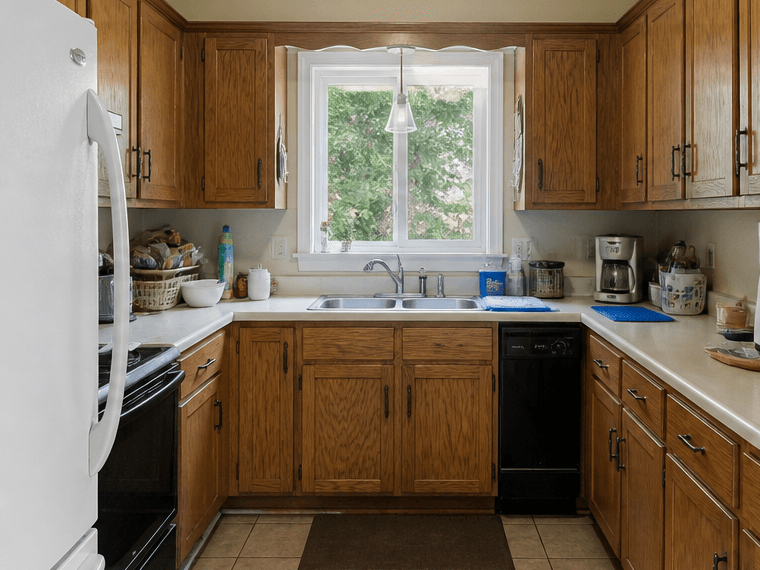
 Before
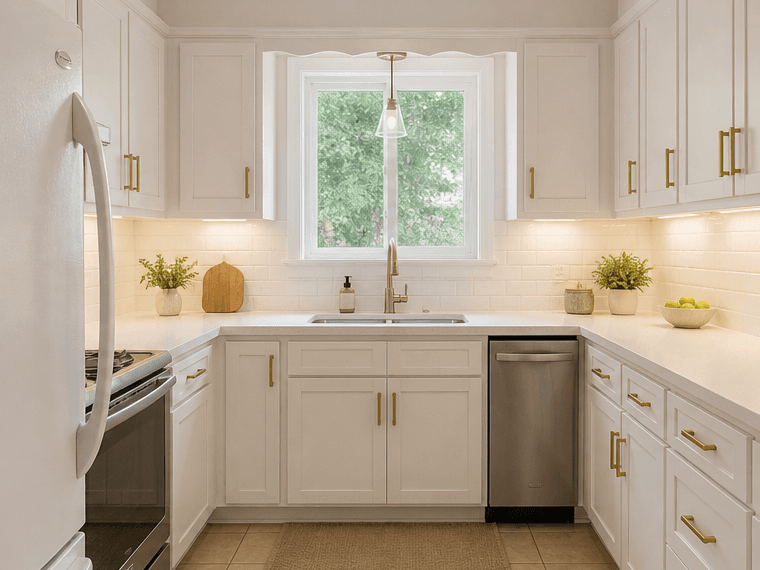 After
AfterStyle Guide
Create a kid-friendly interior with safe furniture placement, durable finishes, playful storage, washable surfaces, and cheerful color. Room Reimagined lets you test this direction in your actual room photo before committing to furniture, decor, paint, staging, or renovation work.
Built for homeowners, renters, real estate teams, and design planners, this AI Kid Friendly interior design workflow gives you realistic before-and-after ideas from the room you already have.
BeforeAfterSee how Kid Friendly design works in your real room before you buy anything.
Compare the look across living rooms, bedrooms, kitchens, and listing photos.
Turn a vague inspiration board into a concrete before-and-after concept.
Generate another direction when you want a safer, bolder, or more premium version.
Real Examples
BeforeAfter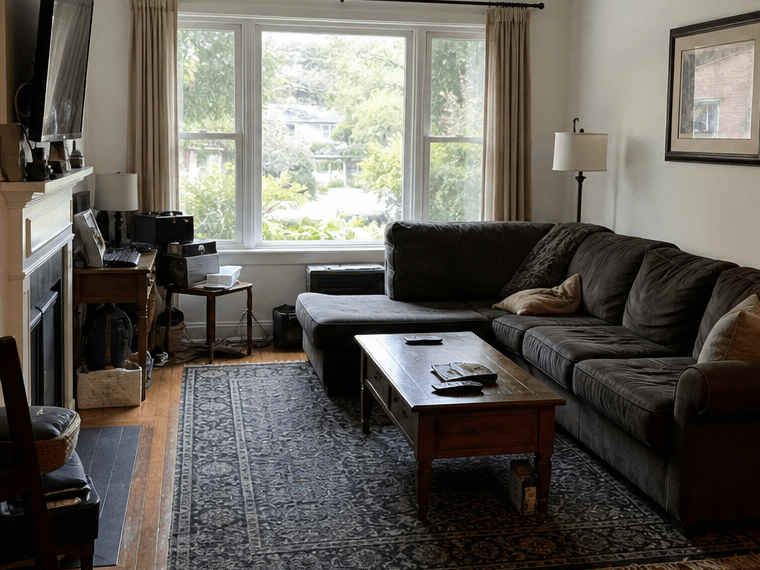 Before
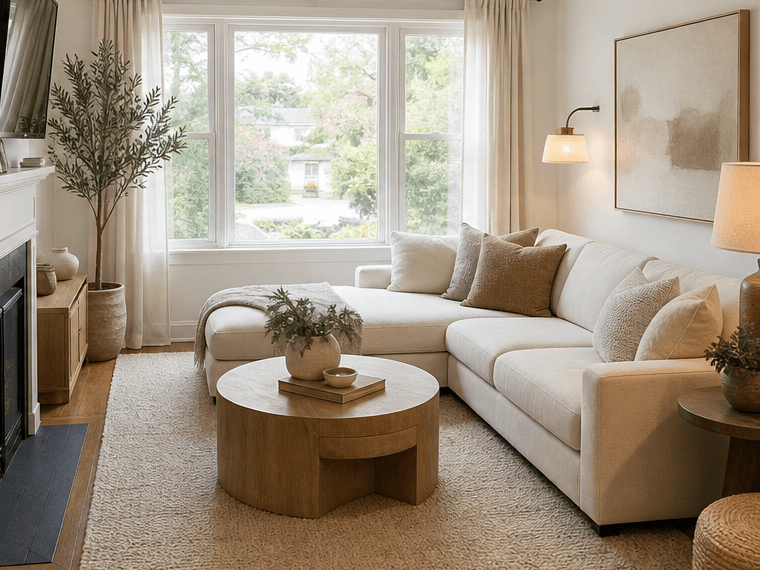 After
After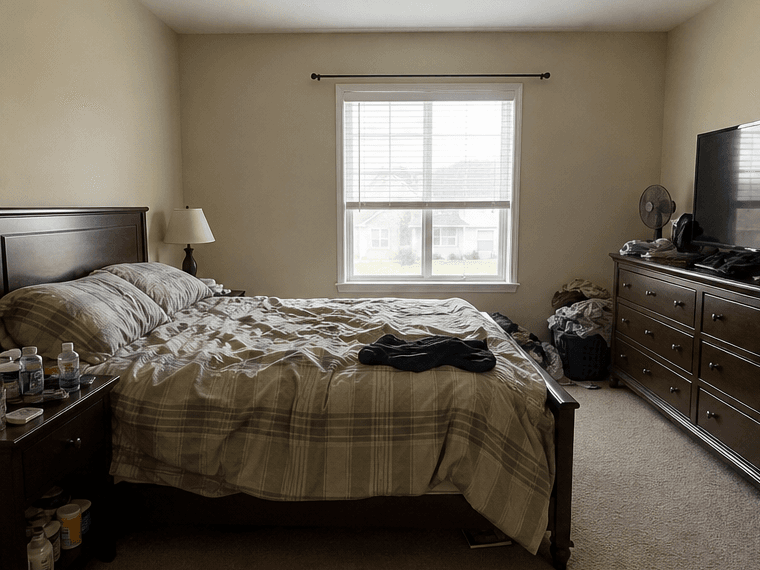 Before
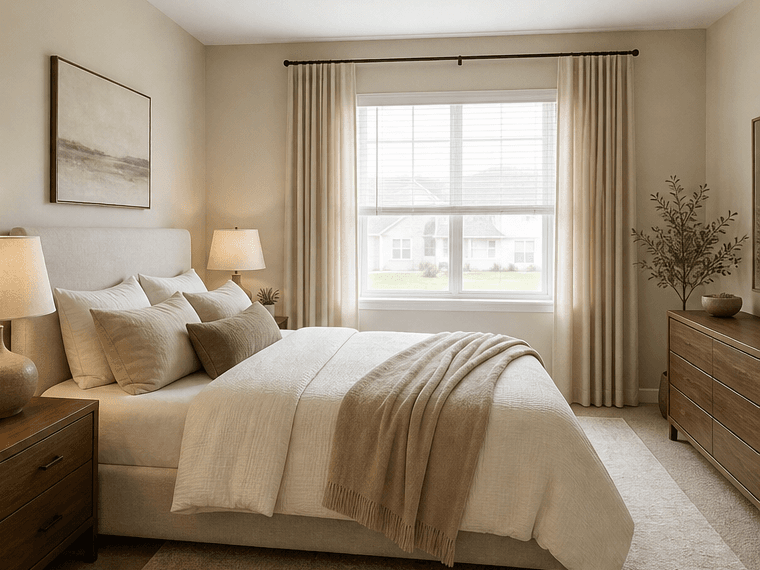 After
AfterWorkflow
Upload a clear room photo with as much of the space visible as possible.
Choose Kid Friendly or describe the specific version of the style you want.
Generate a realistic concept and compare it against your original room.
Save the result, share it, or create another variation before you spend.
FAQ
Kid Friendly works well when you want a clear design direction but need to see it inside your actual room first. It can help with furniture choices, staging ideas, paint decisions, and remodel planning.
Yes. You can apply the style to living rooms, bedrooms, kitchens, bathrooms, home offices, rentals, listing photos, and many other room types.
No. Use the preset as a starting point, then add your own prompt details such as colors, furniture needs, budget, renter-friendly constraints, or real estate staging goals.
Use a clear, well-lit photo that shows as much of the room as possible. Straight-on photos usually produce the most useful redesigns.
Yes. Each generation creates a new concept, so you can explore different styles, room types, and furniture directions.